Computer Eye Strain
Prolonged screen use leaves eyes dry, red and tired — and can develop into a chronic condition called Computer Vision Syndrome (CVS). The good news: relief starts with simple habits you can adopt today.
Contact lens wearers are affected more — lenses can dry the eyes and amplify the strain of long screen sessions.
Comfort habits
Start with your daily routine — these four habits cost nothing and help immediately.
Blink more often
We blink far less while looking at screens, which leaves the cornea dry and irritated. Make a habit of blinking fully and regularly — and don't rely too heavily on artificial tears.
Take regular breaks
Every 20 minutes, blink, close your eyes briefly, relax your face and breathe deeply — then look at something farther away. Get up and walk around at least once an hour.
Limit screen time
Where you can, swap extra screen time for paper notes, physical books, audiobooks or podcasts. Your eyes (and your posture) will thank you.
Sleep more
Your eyes rest and re-moisturise while you sleep. Never sleep in contact lenses, stay hydrated, and a damp cloth over closed eyes can soothe tiredness.
Your environment
Small changes around your desk and room can dramatically reduce glare and dryness.
Adjust screen brightness
Not too dark, not glaringly bright — dim the screen gradually from maximum to a comfortable level that matches the room.
Soften workplace lighting
Reduce harsh overhead fluorescent light and glare on the screen — position the monitor so windows are to the side rather than behind it.
Clean your screen
Dust and smudges make your eyes work harder. Wipe the screen with a damp microfibre or cotton cloth.
Use a humidifier
Indoor heating and air conditioning dry the air — and your eyes. A humidifier keeps both more comfortable in dry months.
Your eyewear
When habits and environment aren't enough, the right glasses make a real difference.
Wear glasses instead of contacts
Contact lenses can dry the eyes and worsen strain during long screen sessions. Give your eyes a break with glasses.
Choose anti-reflective coating
AR coating reduces glare and screen-related eye strain — 69% of participants in a study preferred AR-coated lenses.
Try plano lenses
If you don't need a prescription, plain non-prescription lenses with anti-reflective coating still reduce glare and strain.
Check your prescription
An ordinary distance or reading prescription may not match your computer viewing distance — screens deserve their own prescription.
Consider computer glasses
Prescribed for the typical computer distance of about 1.5 to 3 feet (roughly 0.5 to 1 metre) from your eyes.
Progressives
Combine distance, reading and intermediate prescriptions in one pair — perfect for multi-tasking, with a short adaptation period.
Single-vision mid-range glasses
Ask for a computer prescription and measure the distance from the bridge of your nose to the screen for a precise fit.
Unsure which option suits you? We'll measure your screen distance and recommend the right lenses for your work. Call 082 997 8385 to book — Mayfair walk-ins welcome, Greenside by appointment.
The 20-20-20 rule
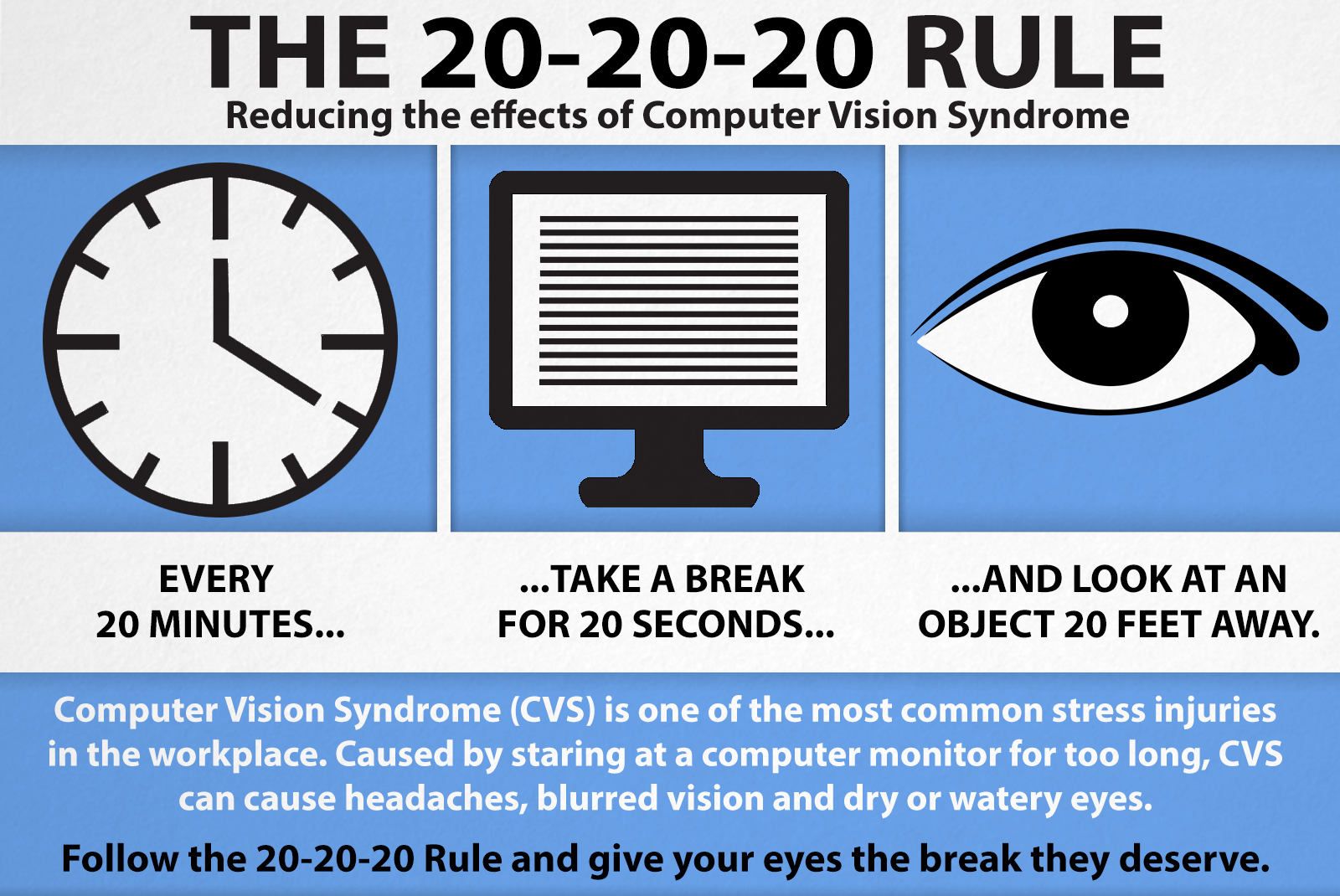
Every 20 minutes, look at something 20 feet (about 6 metres) away for 20 seconds. It's the simplest habit you can build — and it gives your eye muscles the break they need.
Content adapted from the article “10 ways to relieve computer eye strain” by Classicspecs.